Hey.
You probably have heard of a lot of different utilities people use for Skyrim and wondered "what utilities do I need" or "do these really work?".Well,all these utilities I am about to recommend definitely works and they work well
TES5Edit-A very effective tool that cleans esp/esm files by removing ITM(identical to master)records and undeleting+disabling deleted references.Doing this prevents some crashes and errors
Loot-Ah,loot.You have probably heard of this one before if you dived into Skyrim modding.Loot organizes your mod load order,which reduces crashes and mods not working properly.It is a absolute must have
Wrye Bash-A utility with a lot of features,yet it's main function is improving mod compatibility by storing information in a 'bashed patch' it creates.It can also be used to disable/enable mods,launch skyrim,view .ini tweaks and more
Ordenator-This mod has been a life saver to me.It compresses textures,without losing quality,which saves vram and frees up disk space.You can also tell it to add mipmaps or reduce a texture's quality when it reaches a certain texture size.A absolute must have,especially if you have a lot of high-res texture mos(like me xD).It has greatly helped me getting a higher,smoother fps and helped a lot with stuttering.
Speaking of Skyrim,I plan on uploading a few screenshots in the next hour or two
cya
WhiteFang
Wednesday, 16 March 2016

Another update
Greetings.
I have a few things I would like to talk about,as always.
First off,the blog itself.I have improved the social media buttons for my twitter,pinterest,google+ and youtube,as well as setting up a facebook page.Check it out :D.Further more,I have added a well needed feature,related posts.You can see it at the bottom of each post.I've also added a little not for newcomers at the top left.
Secondly,games.Right now I'm mainly focusing on The Witcher 3,so you can count on seeing quite a bit of that along with some Skyrim stuff.I don't want to make this entire blog all about thesame stuff though,so I will be doing other stuff in between as well.
That is all I wanted to share right now,I feel like I mentioned everything I wanted to say,so have a pleasant day/evening
WhiteFang
Tuesday, 15 March 2016
Things I use to enhance The Witcher 3's graphics
Hey.I have been enhancing The Witcher 3's graphics for maximum screenshot quality lately and I wanted to sure what I used for this.First,the mods:
HDReworked Project-Reworks the textures of many objects in the game to be higher quality,while not effecting performance,though it may have a effect on weaker PCs.I especially recommend this one,it looks great
Next Gen-candles-Improves the look of candles by adding more dept to them and greatly increasing the polycount
No Dirt Lens Effect-Removes the occasional dirt spots you will find on your screen,kind of like a dirty lens or glass.You will mostly notice it when looking at the sun.This mod is great if you like a clearer image
Super Turbo Lighting Mod-A very nice visual mod which changes and improves lighting and particles on multiple ways,such as improving water reflections and adding some ambient occlusion
Secondly,the reshade preset I use:
STLM Enhancement Reshade and Extreme Graphics Settings Tier-A very nice quality reshade preset which improves on the Super Turbo Lighting Mod with features such as darker nights,colorcorrection and improved bloom+sharpening.Be sure to take the full version,and if your rig can handle it,the optional extreme graphics tier file as well
Note:If you have some great fps issues with a AMD GPU while using hairworks,make sure to download the latest drivers,Radeon Crimson Edition 16.3.Then right click on your desktop and select
AMD Radeon Settings.Go to the Gaming tab and select The Witcher 3.If it's not there,click on add on the top right and select Browse.Then go to your Witcher 3 folder and select your witcher3.exe,which can be found in your The Witcher 3\bin\x64 folder.After you selected The Witcher 3 in your gaming tab click on Tessellation Mode and select Override application settings.Then click on Maximum Tessellation Level and set it to 16x.This will make your hair/fur look somewhat worse,but it does improve framerate.I personally gained 10fps in some areas
That is all,have a nice day
WhiteFang
Monday, 14 March 2016
Recommended Witcher 3 mods
Hya.As promised here is my list of recommended Witcher 3 mods.These are all compatible with each other,as I use them all together without trouble with the latest patch and DLC
Debug Console Enabler-Enables the developer console,which allows features such as spawning enemies,playing as Ciri at all times,godmode and more.
Disabled Storybook Videos-Removes the annoying recap videos that appears when you load a save. A must have in my opinion.
HDReworked Project-Reworks the textures of many objects in the game to be higher quality,while not effecting performance,though it may have a effect on weaker PCs.
Increased Creature Loot-Name says it all.This increases the loot creatures drop.Offers multiple different variants of the mod for you to choose how you want it.
No Dirt Lens Effect-Removes the occasional dirt effects you will find on your screen,kind of like a dirty lens or glass.
Super Turbo Lighting Mod-A very nice visual mod which changes and improves lighting and particles on multiple ways
Witcher 3
Hi.This was a bit tricky since there isn't a lot of graphical mods,in fact,I only have one.I do plan on getting a reshade preset as well,I just need to find one I like.Meanwhile,here is what I managed to get:


Sunday, 13 March 2016
Night time screenies
Hya.
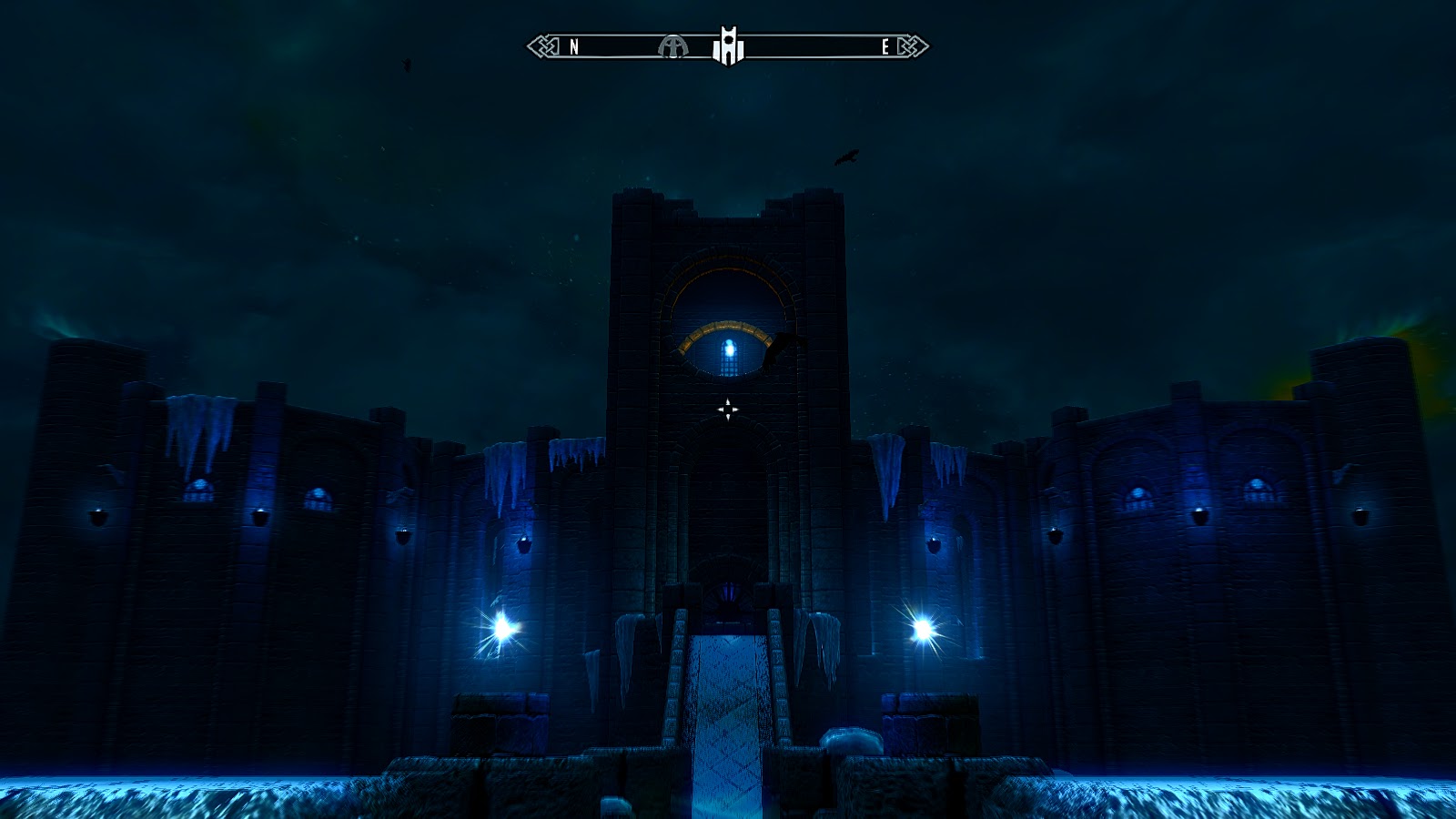
I got a few extra night sky mods today and tweaked the lighting a bit,so I thought I should share a few screenshots in the night.Here you go:
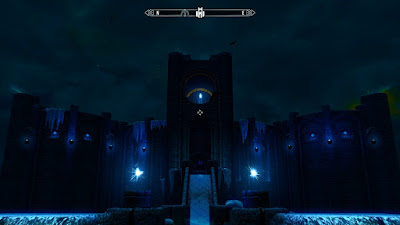


I got a few extra night sky mods today and tweaked the lighting a bit,so I thought I should share a few screenshots in the night.Here you go:


Skyrim Character
Ok,as I said in the update,I will be working on a few characters to act as models in some of my screenshots.Here is a WIP screenshot of the first,Jessica,a nord.

Right now,I still have to work on her eyes and find a armor mod that I can use with her,then I will continue her done for now.

Right now,I still have to work on her eyes and find a armor mod that I can use with her,then I will continue her done for now.
Subscribe to:
Posts (Atom)