Search This Blog

Saturday, 26 March 2016

Skyrim top 10 ENB presets


Hey
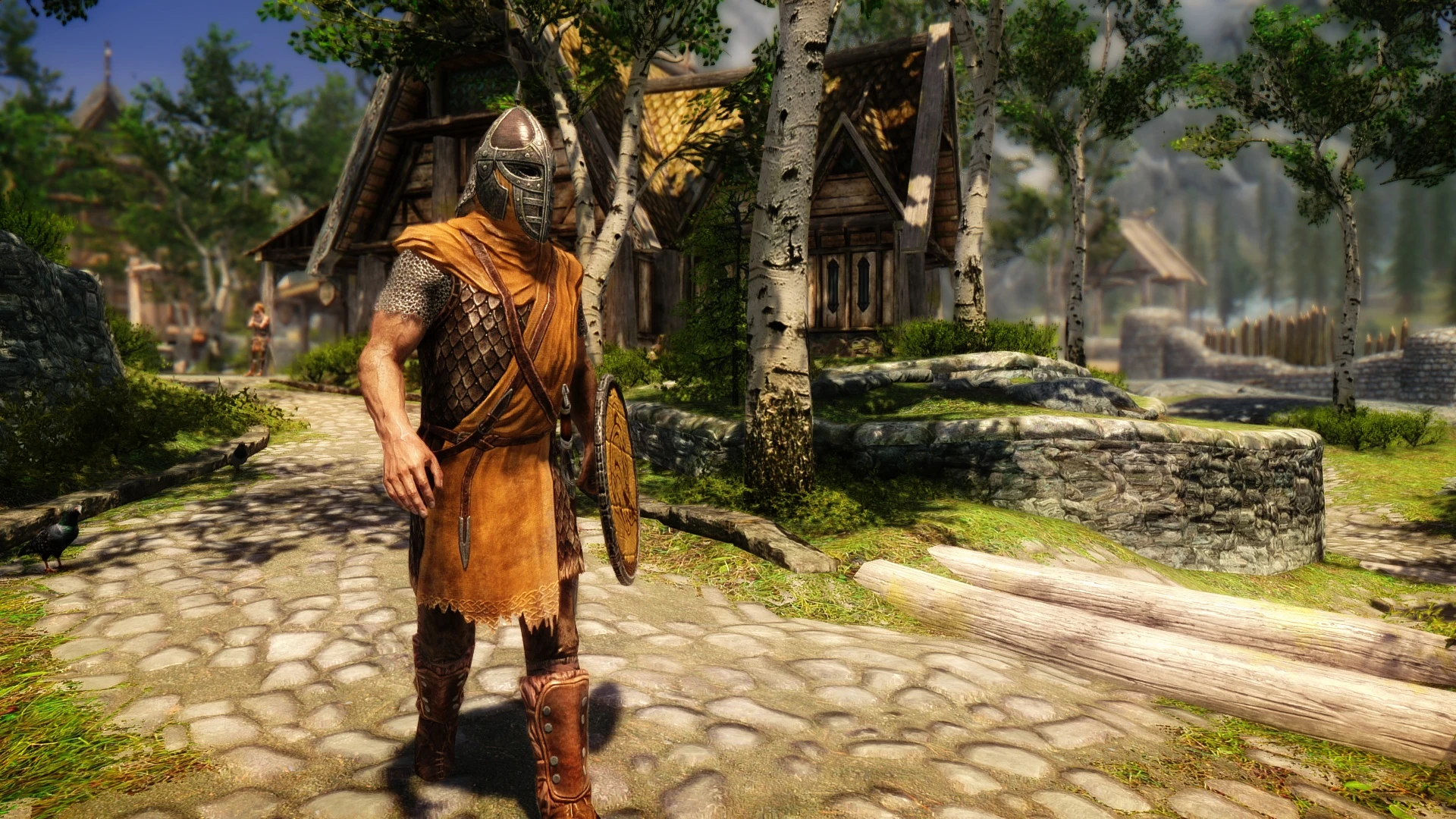
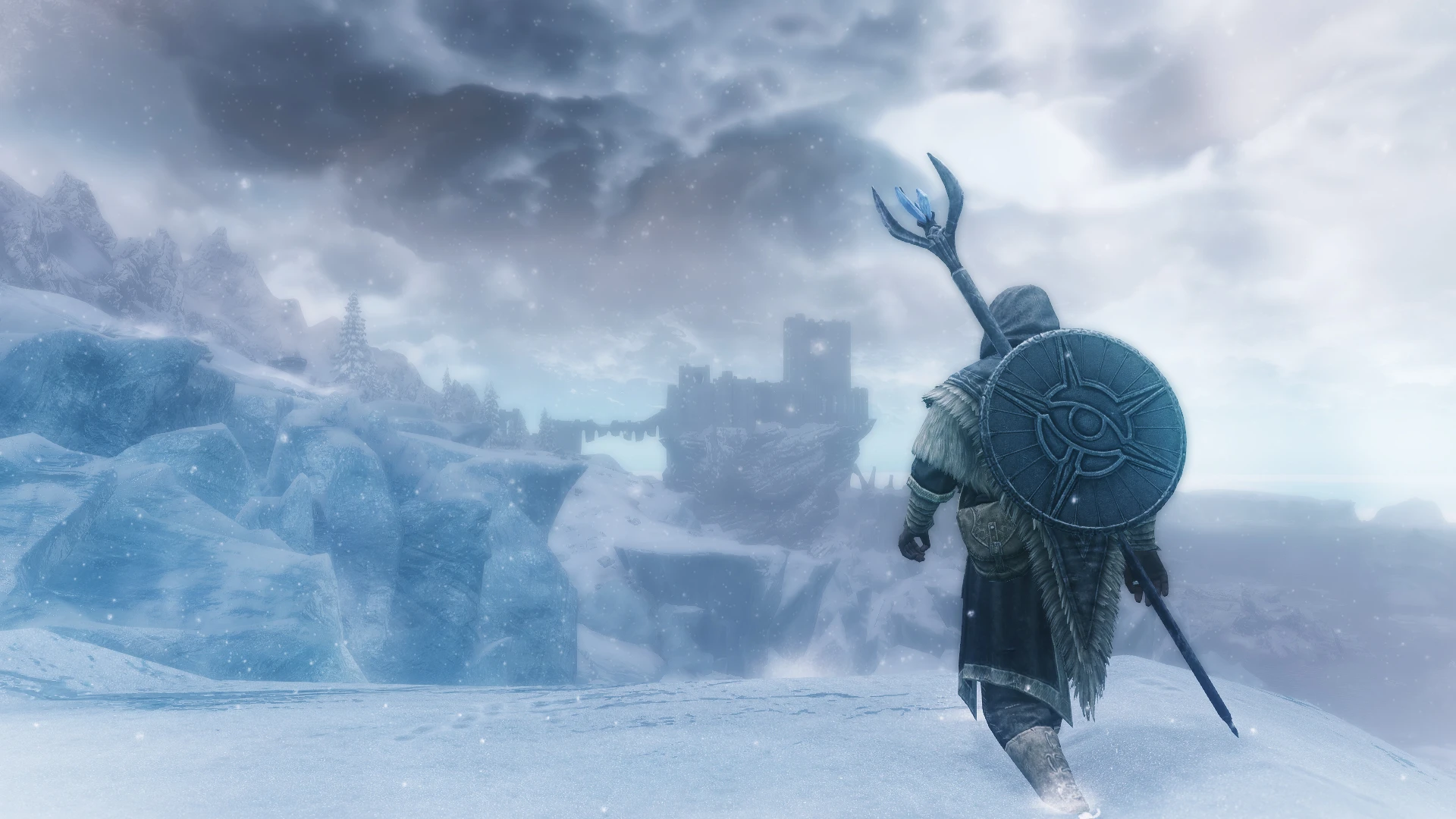
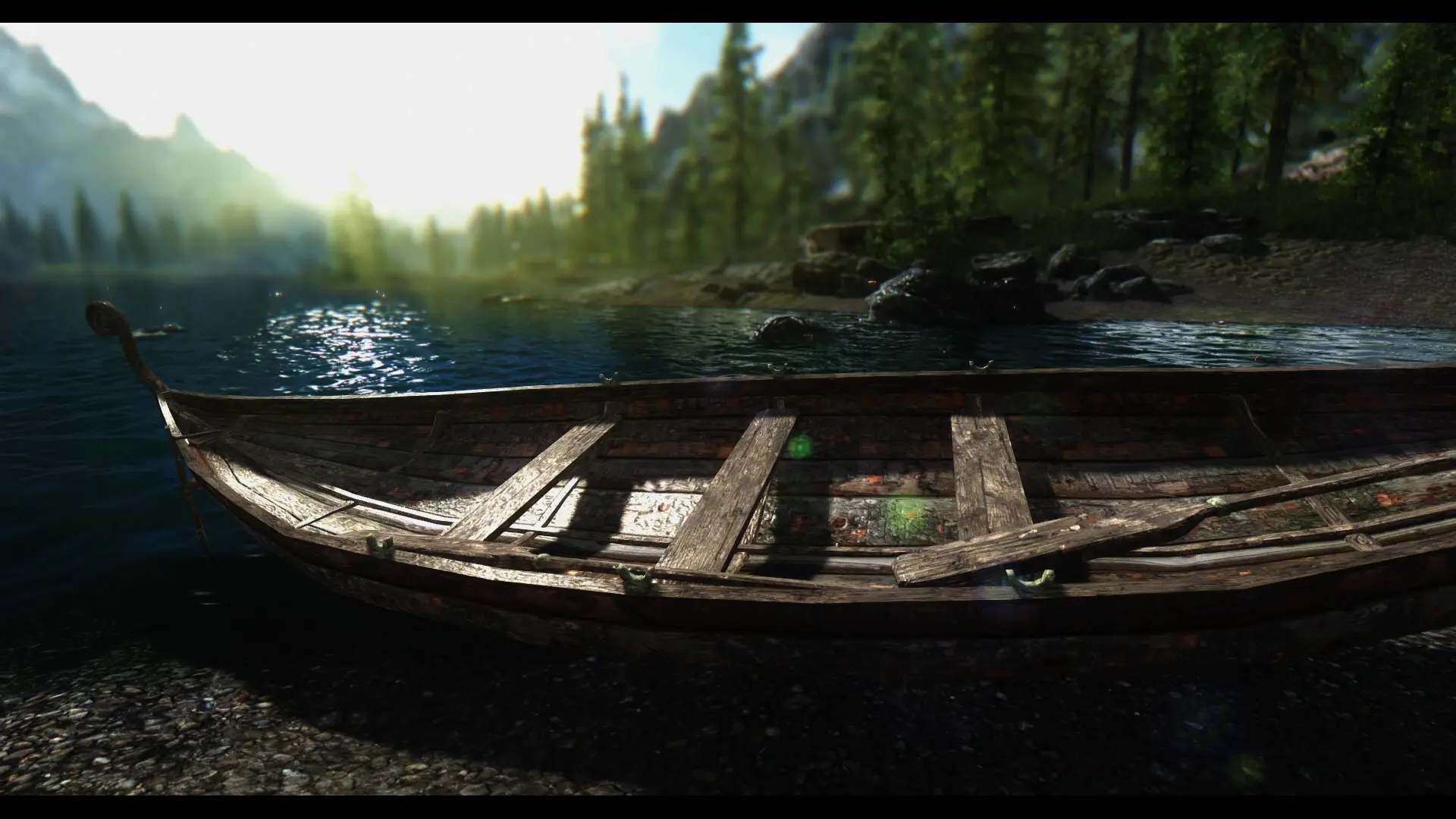
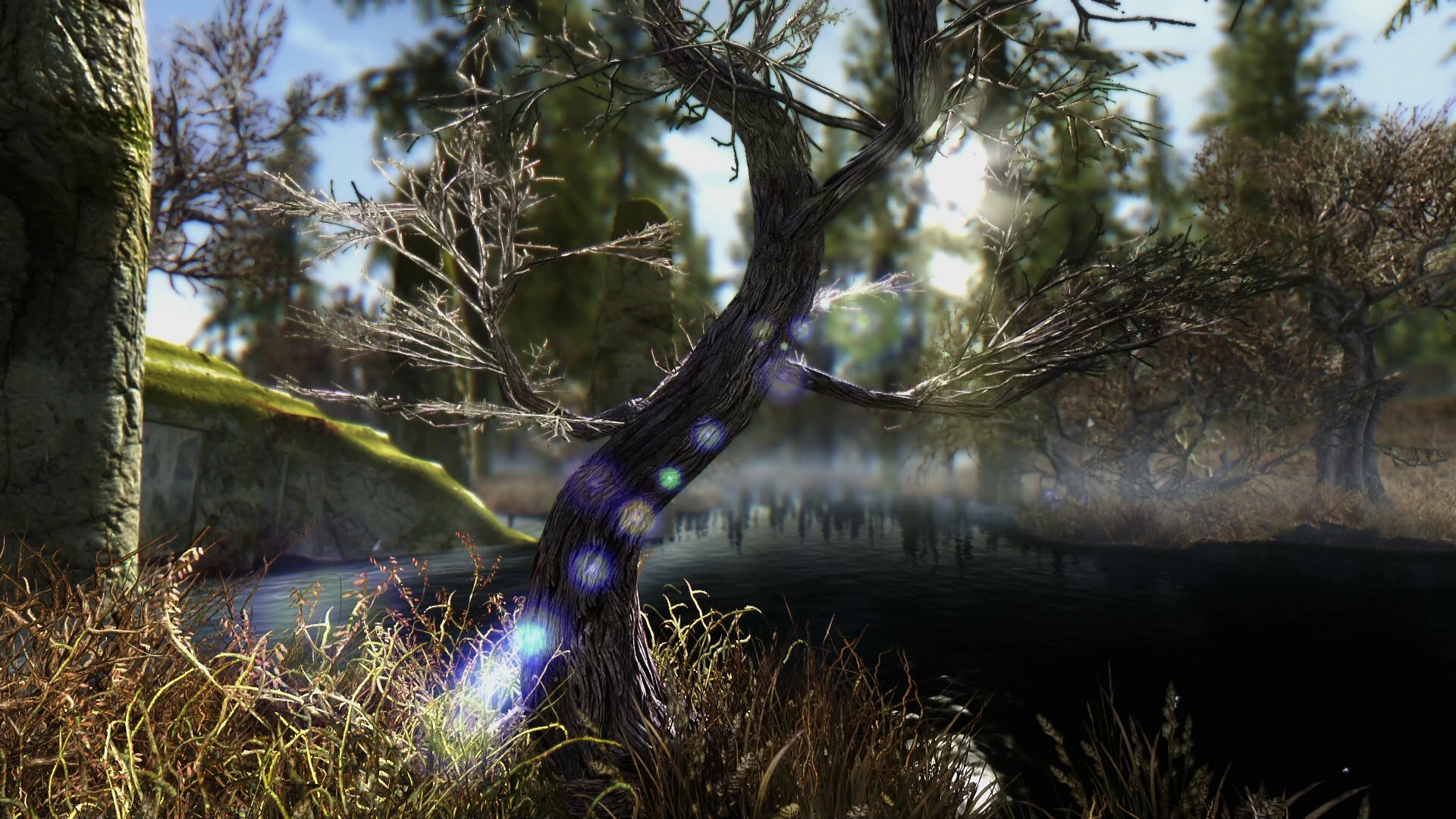
So today I'm doing my top 10 is top 10 ENB presets.Now this,more than any other,depends on your taste.Some might be bright,some might be too dark.Some might be too performance heavy,some might not look good enough.These are the ones I prefer,however for you they may not look as good,because maybe you don't like it or you can't have it's full potential
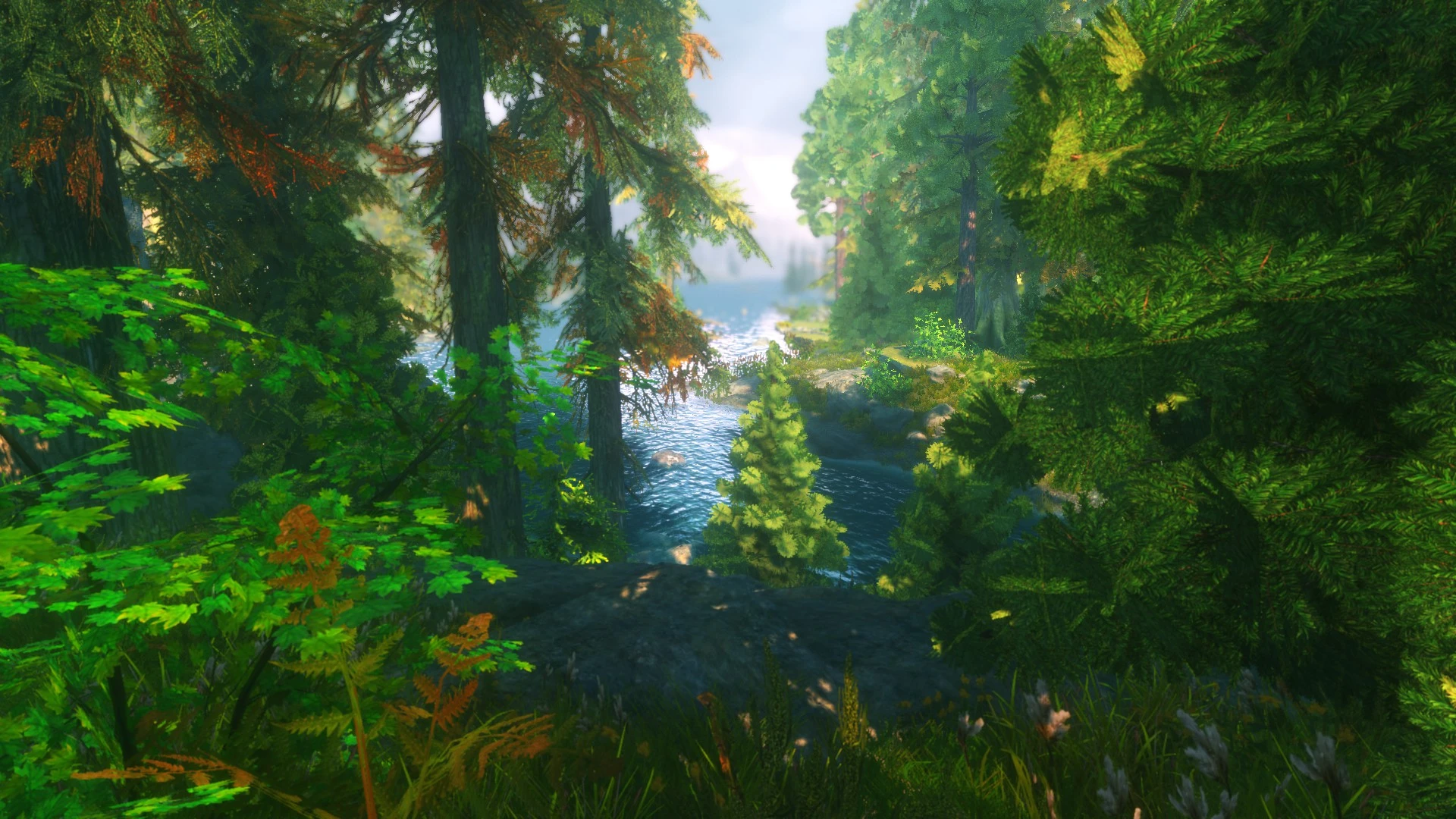
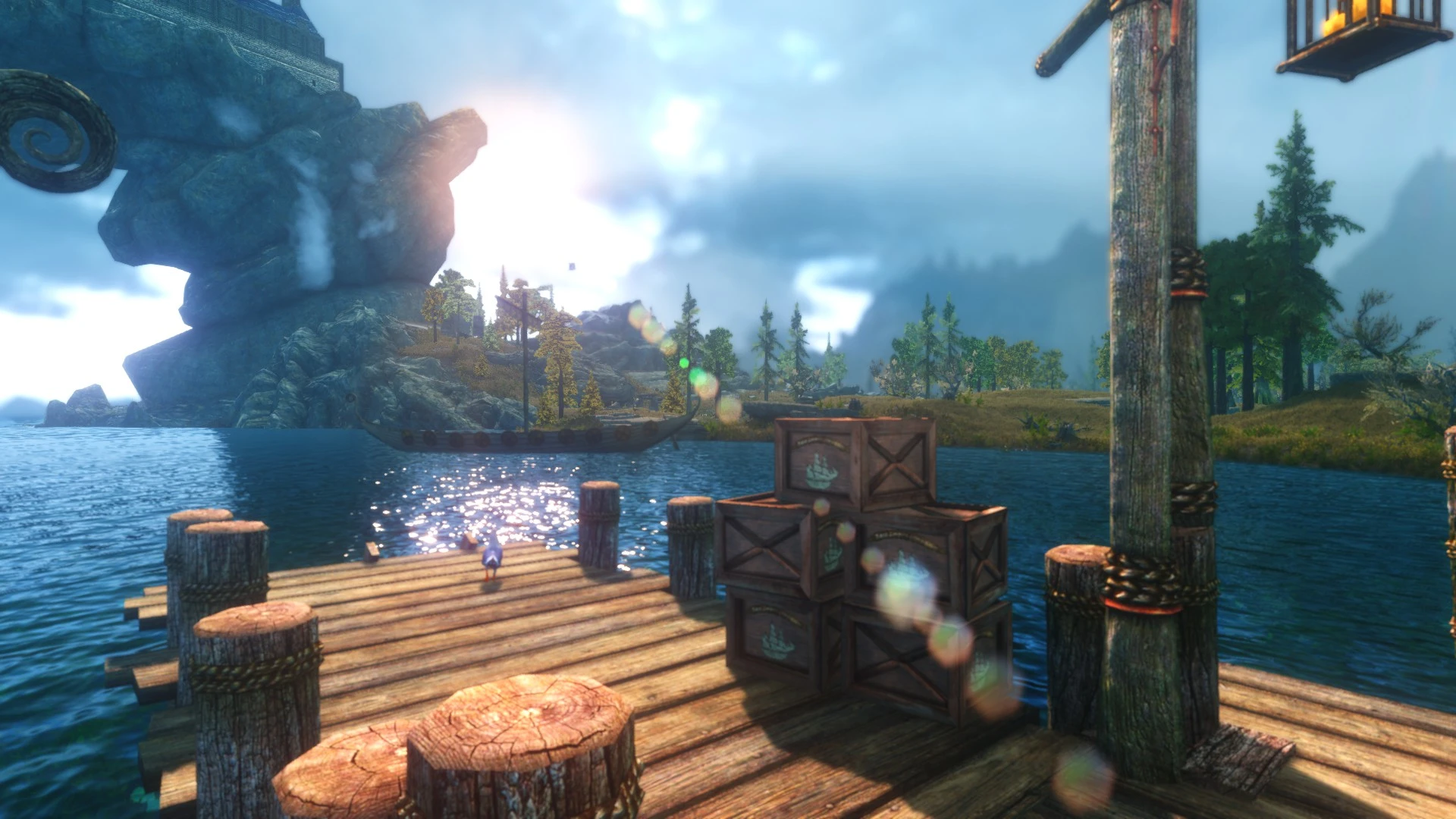
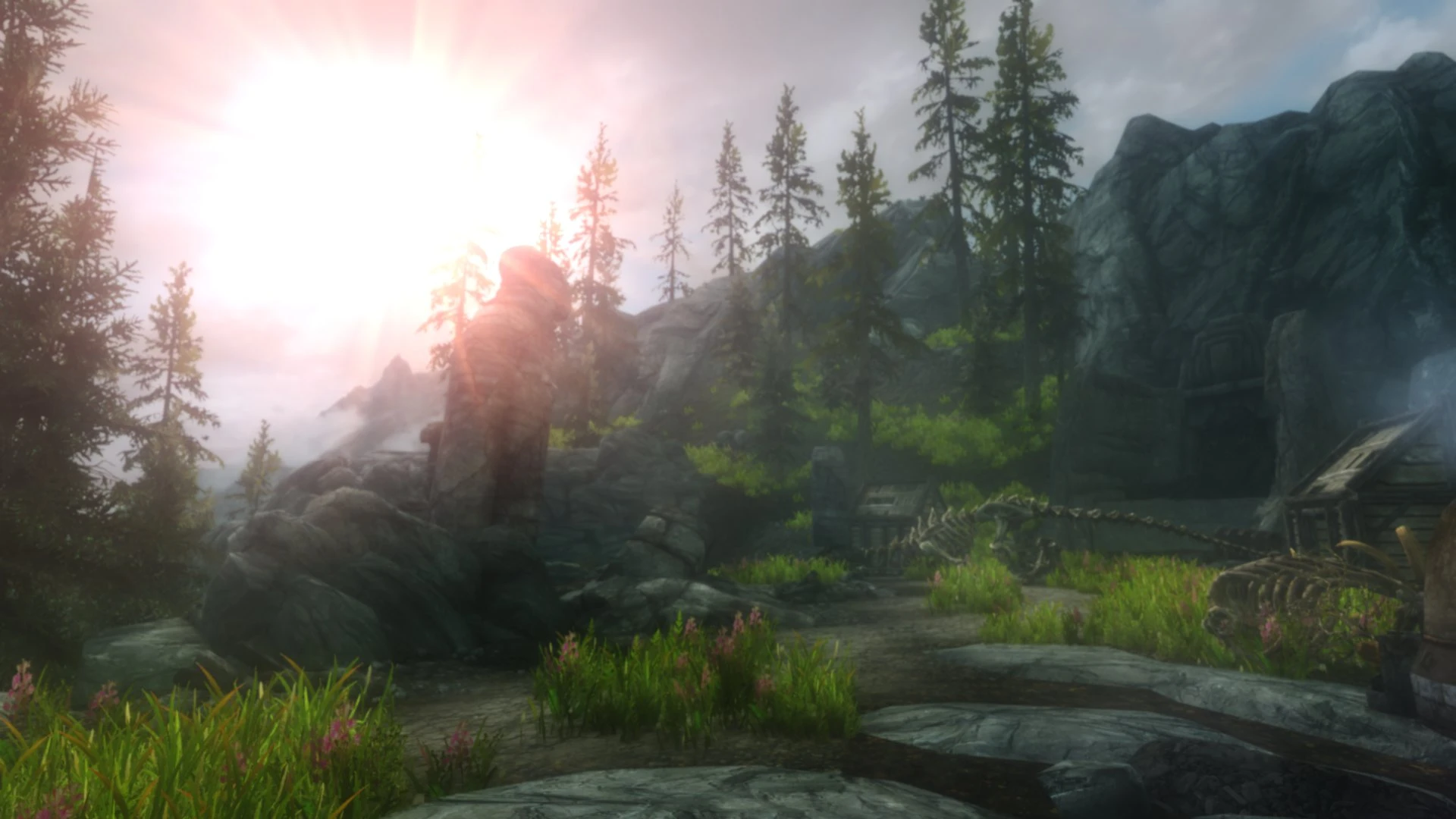
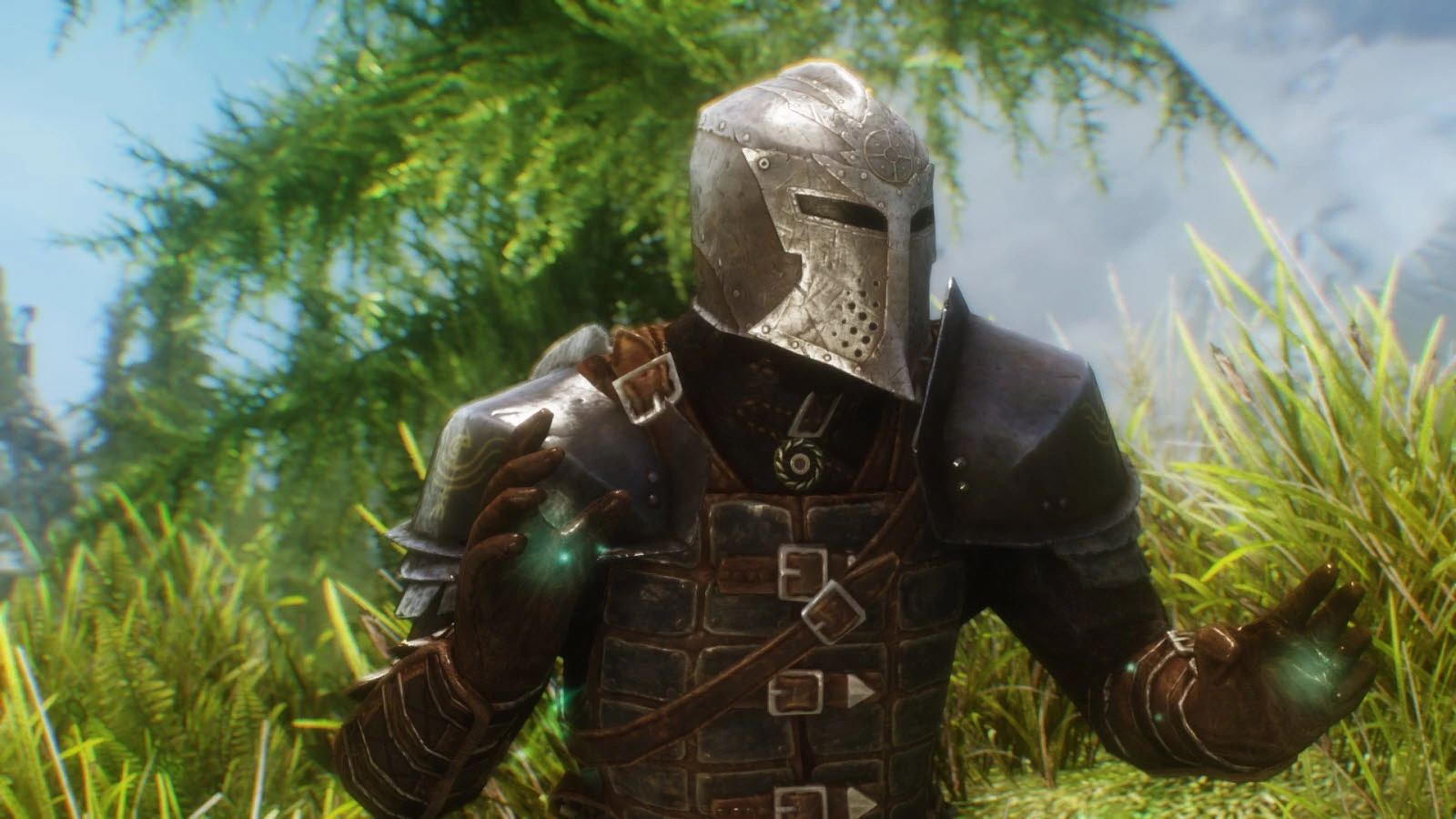
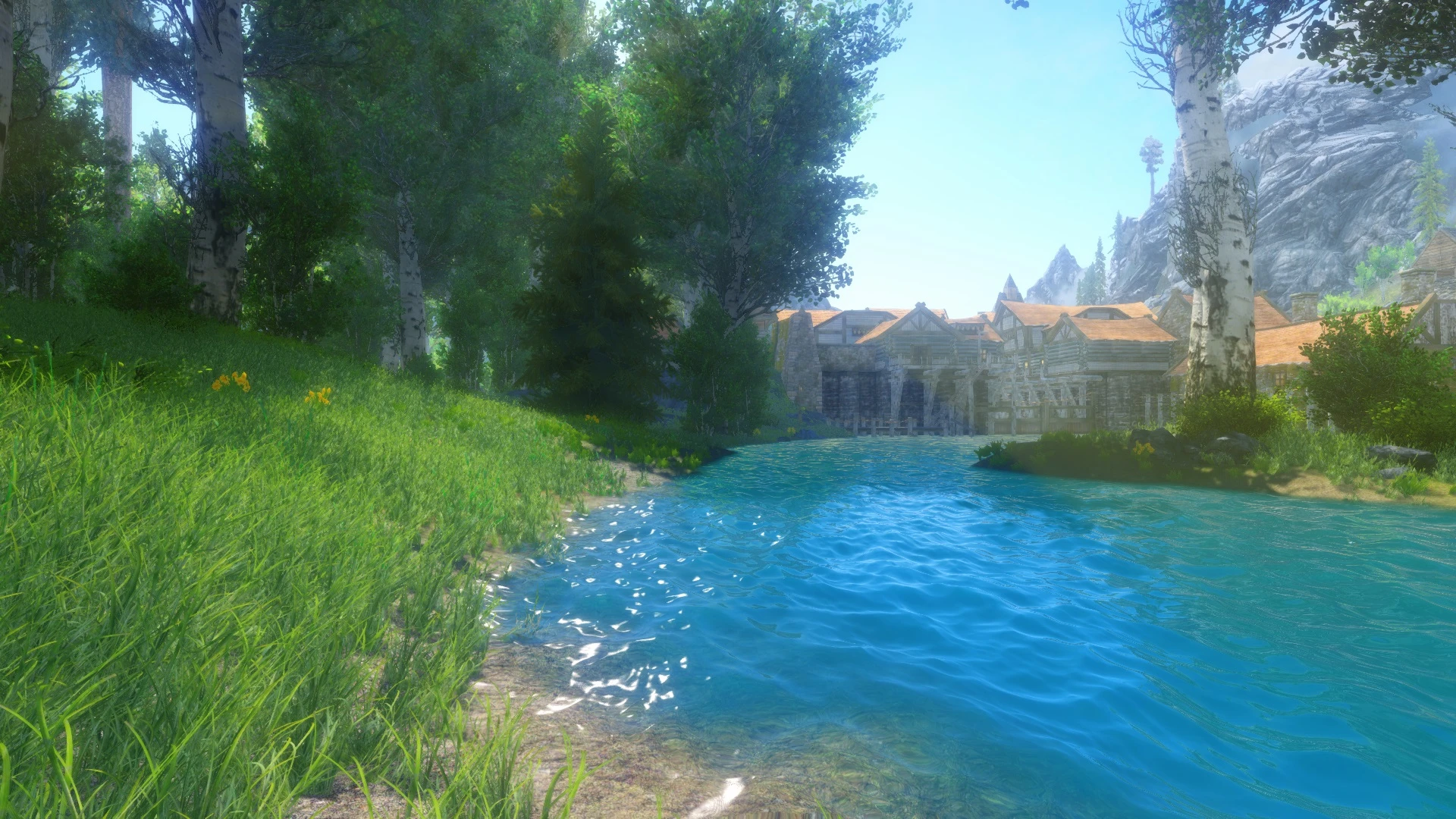
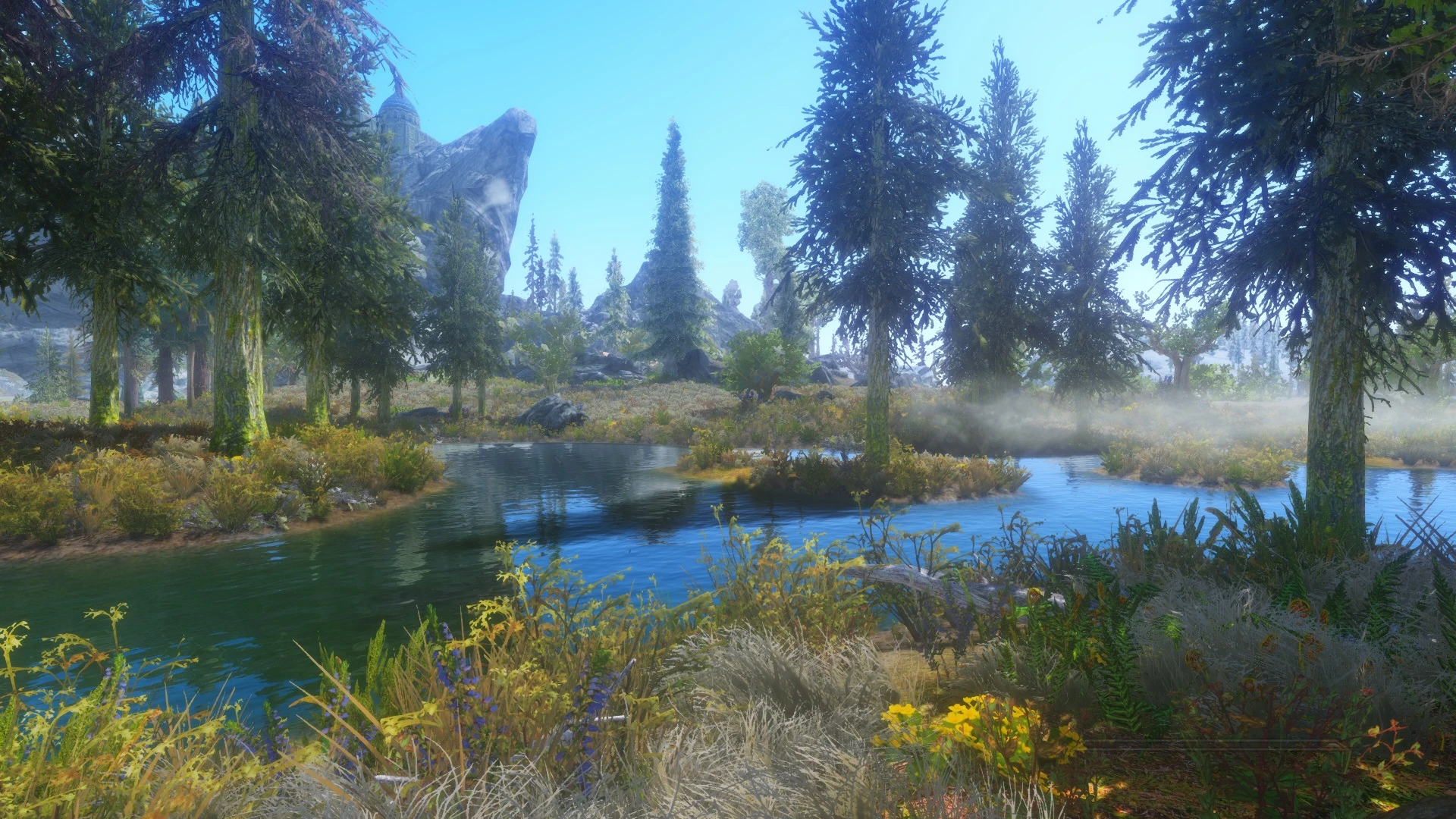
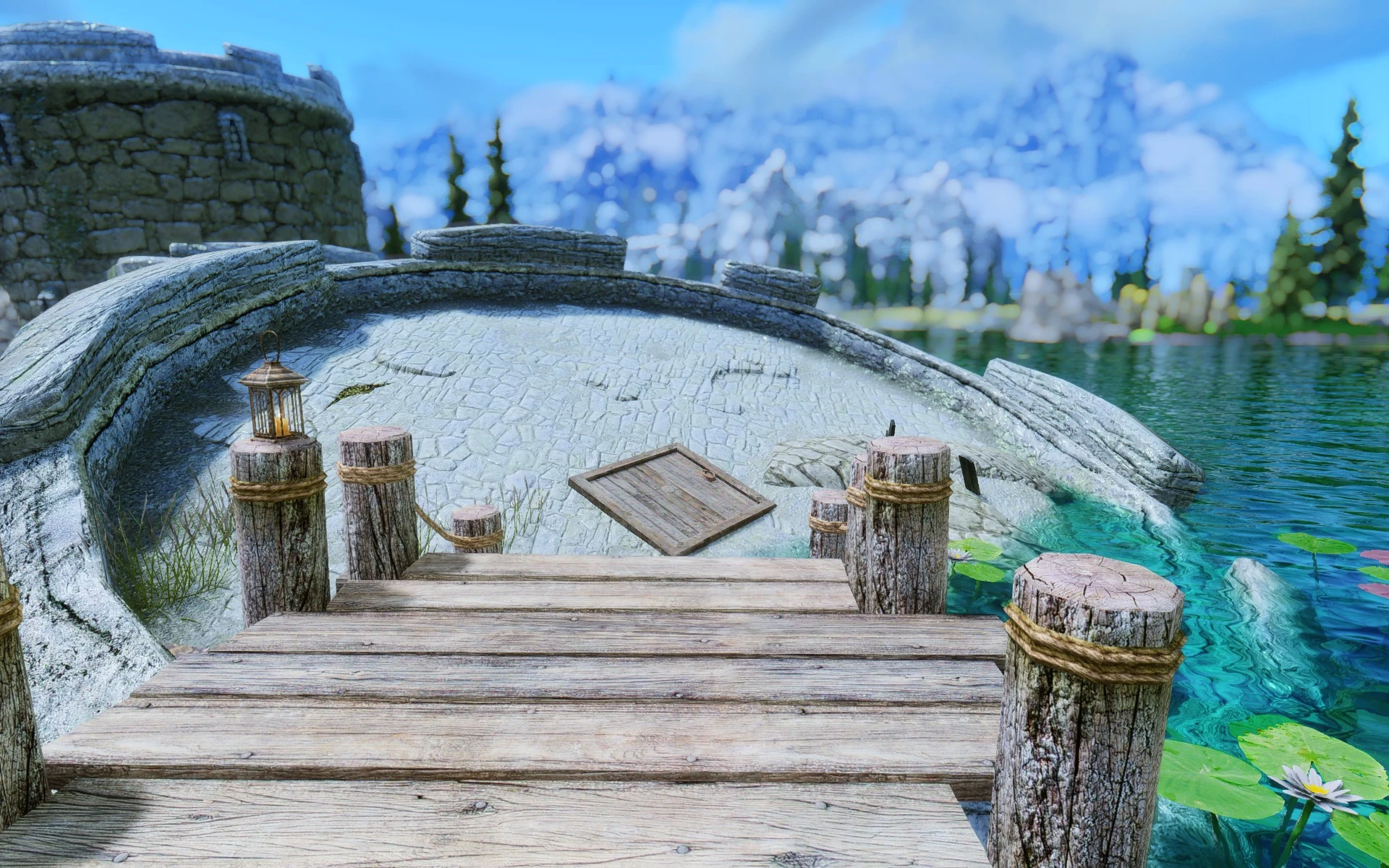
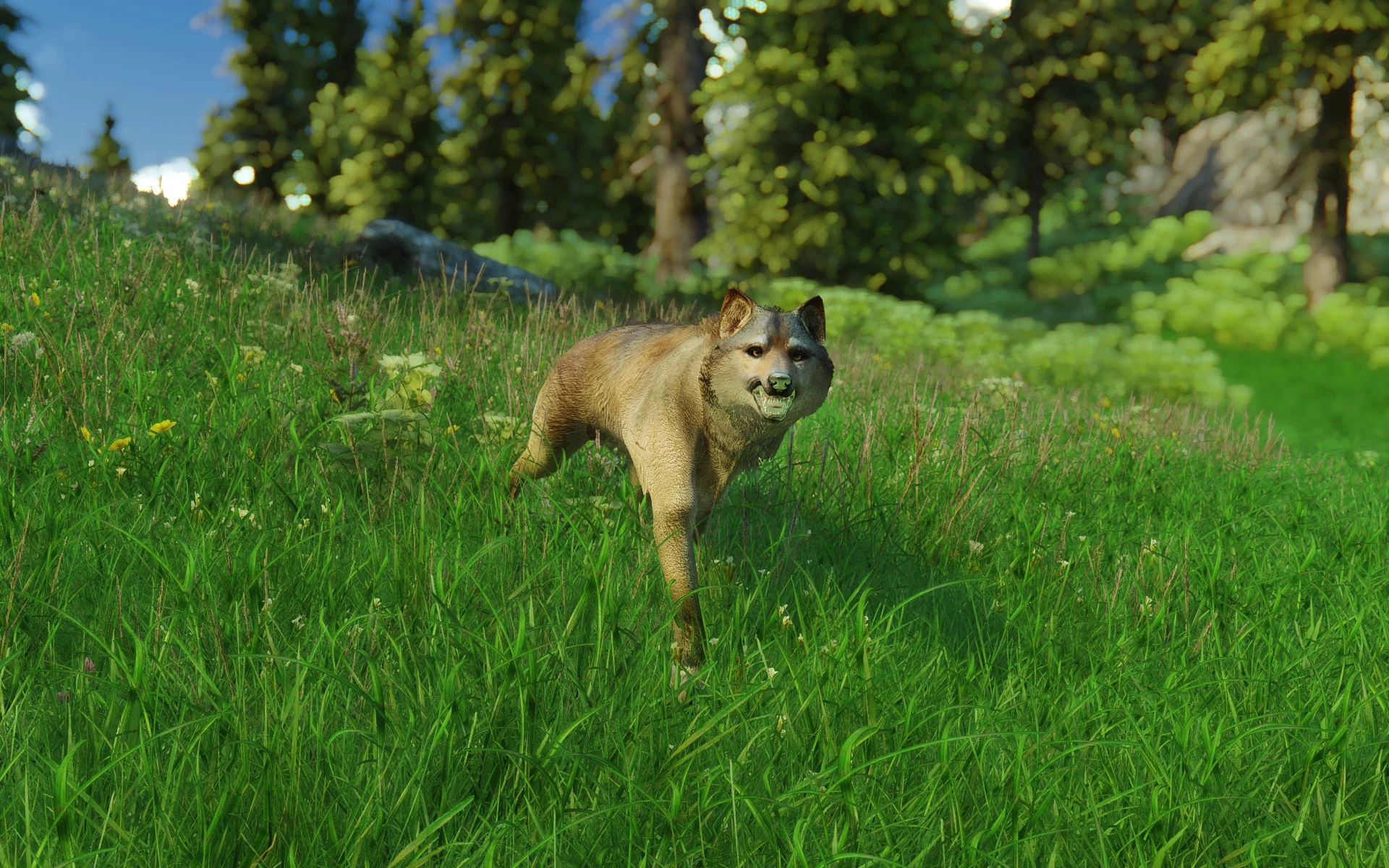
Also,I can't really describe a enb preset,so each time Ill just do the list and show two images each time

1:Project ENB(fantasy version)

2:Tetrachromatic

3:Realvision

4:Skypretty

5:Docter's

6:Perfected

7:Project MATSO

8:Jasmin

9:Springtime

10:Bubble

At the moment I don't use either of these,mine is a mix of different ENBs and self-customized settings.I might show some screenshots and share it,then you can decide if you want it or not.Anyway,if you have any trouble installing a ENB,let me know and I will try to help you

Sincerely
WhiteFang

A few more ENB Skyrim screenshots

I spent a lot of time tweaking ENBs today and I thought I might share the fruits of my labor.Well,actually I'm still not done.But I made progress :D


Friday, 25 March 2016

Top 10 non-visual The Witcher 3 mods

So here we go,The Witcher 3 top 10 non-visual mods.I will only do two ones,visual and non-visual because I don't use a lot of mods nor is there a lot of mods.But anyways,here's my list

1:Random Encounters
This mod adds a lot of random encounters around the world,which can be configured by you in the mod menu.Personally,I feel this mod is a must have since it adds so much life and immersion to The Witcher 3

2:Debug Console Enabler
This enables a debug console similar to Skyrim's console.You may think this can only be used to cheat,but there are much more uses to it,such as mod testing.Some features you can try out for example is god mode,playing as Ciri,spawning giants in town and more

3:Increased Creature Loot
LOOOOT! LOOT!.This modifies the loot enemies drop by making them always drop loot and have more loot,or just the former,based on what version you use.The amount by which it is increased is also dependent on which version you download

4; Disabled Storybook Videos
Removes the annoying recap videos that appears when you load a save.This has saved me a lot of annoyance and time since I can now dive straight into the loading screen instead of waiting for that crap

5:Gear improvements last longer
Name says it all.This mod increases the time grindstone and workbench bonuses lasts,to a full in-game day or a half,depending on your choice

how am I supposed to do 10 of these,I was barely able to do 5.I don't have a lot of non-visual mods


6:Jump in shallow water
Oh come on,I doubt I need to tell you what this does.Really?fine....This mod allows Geralt to jump in shallow water.There,happy?

7:Wealthy Vendors
Again,the name pretty much says it all.But sure,Ill do it again.This mod increases the amount of money merchants have.Useful if you just found some epic weapon that you don't need/want but the merchant doesn't have enough money for it

8:Better Icons
This improves the icons by adding their name on their icon.No longer do you have to hover your mouse over a potion to see what it is,you can see it's name on the icon.Very useful

9:Parry with Torch
As the name suggests,this allows you to parry when you have a torch out.It;s a pretty neat feature,and one I have wanted since I started playing the game

10:Slots Slots SLOTS
This  allows you to customize how many skill slots you have,which is really great for me since I was annoyed by the fact that you can only have certain skills active.

Skyrim Top 10 Texture mods Part 2

Greetings

As promised,here is part 2 of my top 10 texture mods.

6:Ultimate HD Fire Effects
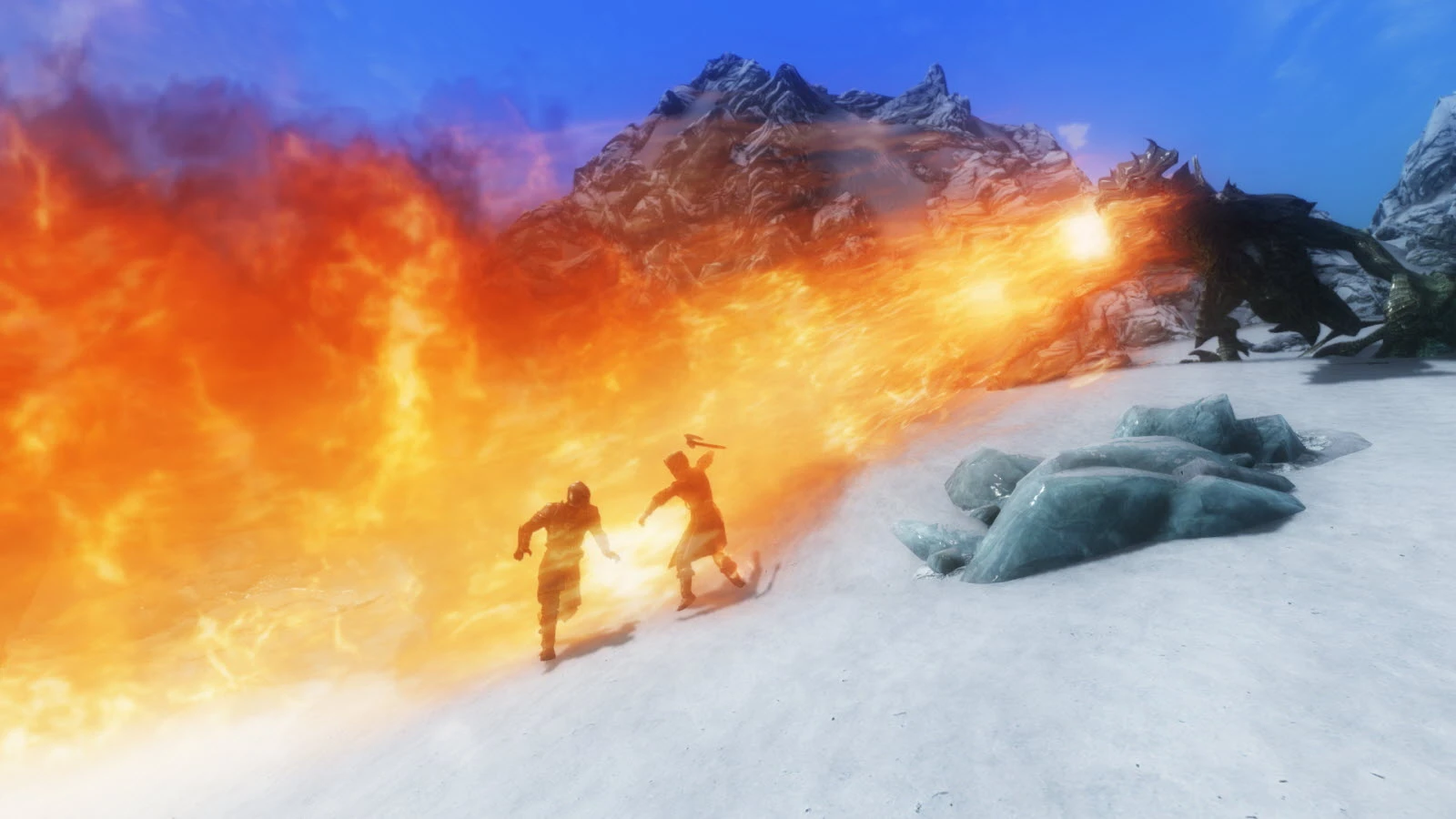
'A picture is worth a thousand words'.This is especially true about graphics mods,since you can clearly see what it's doing,like here.For example,you can clearly see that this mod trashes the vanilla my little pony flames.This mods make flames looks better,by either  using vanilla,medium or ultra quality textures,depending on what version you download.

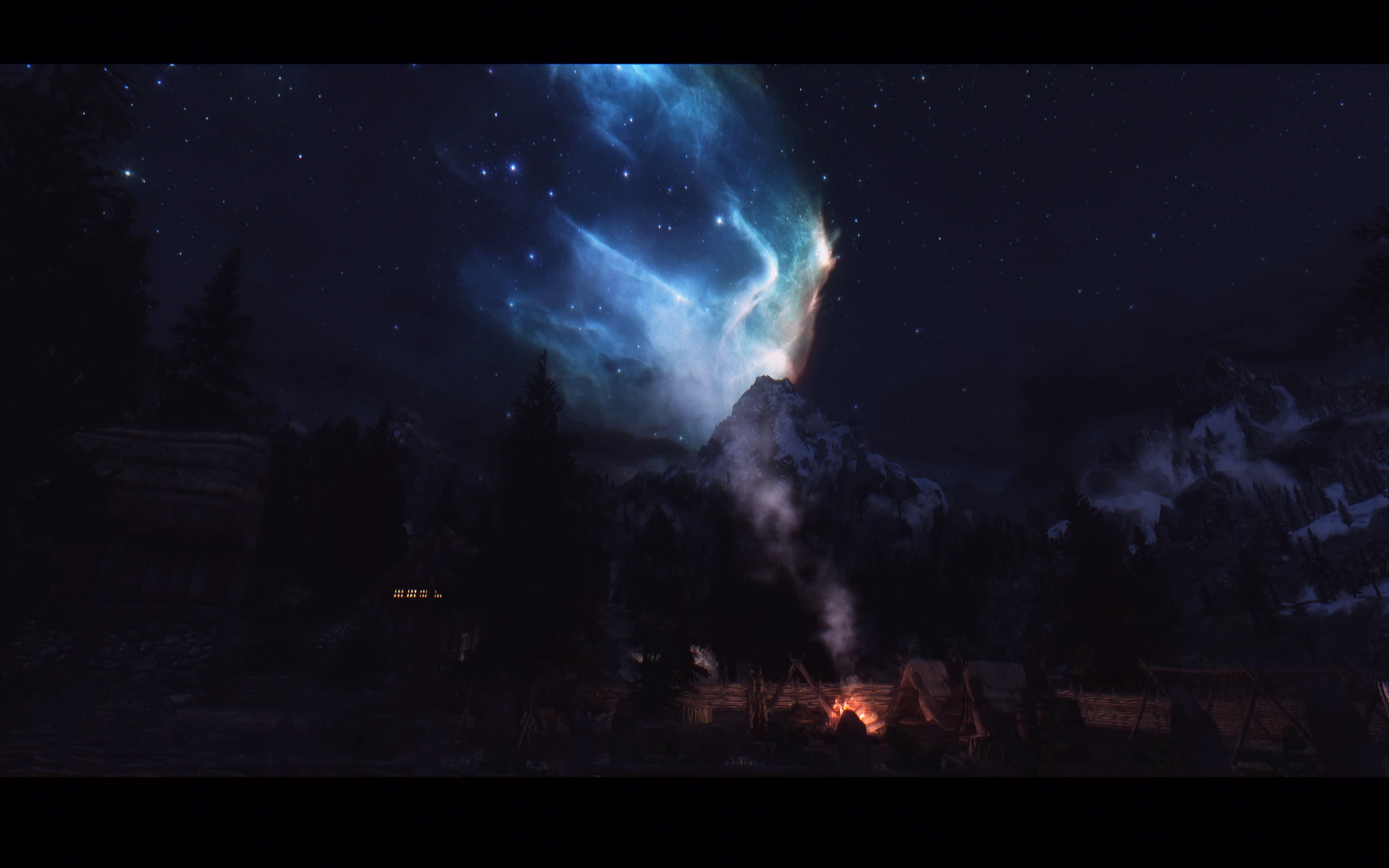
7:Inside the Nebula
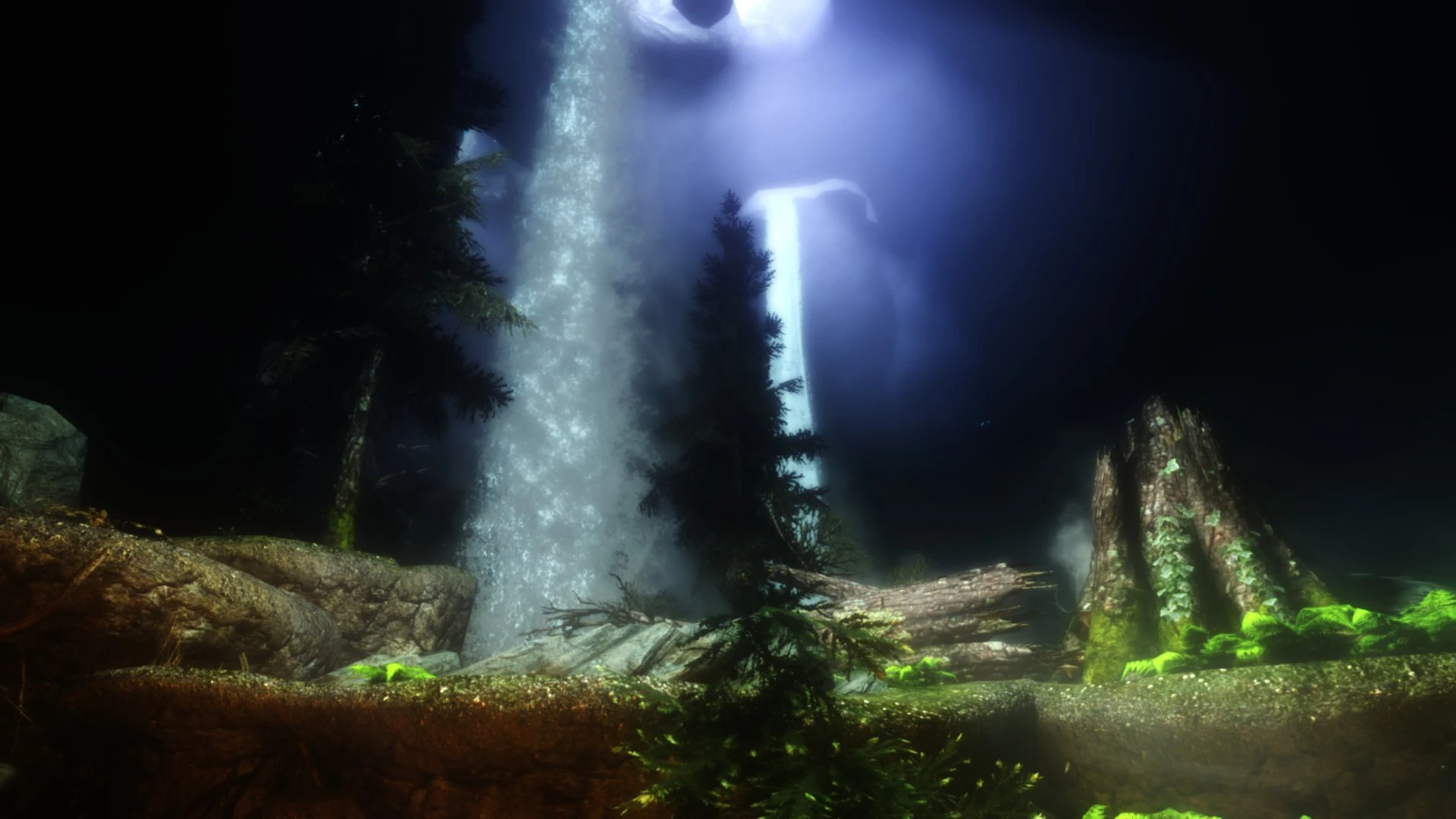
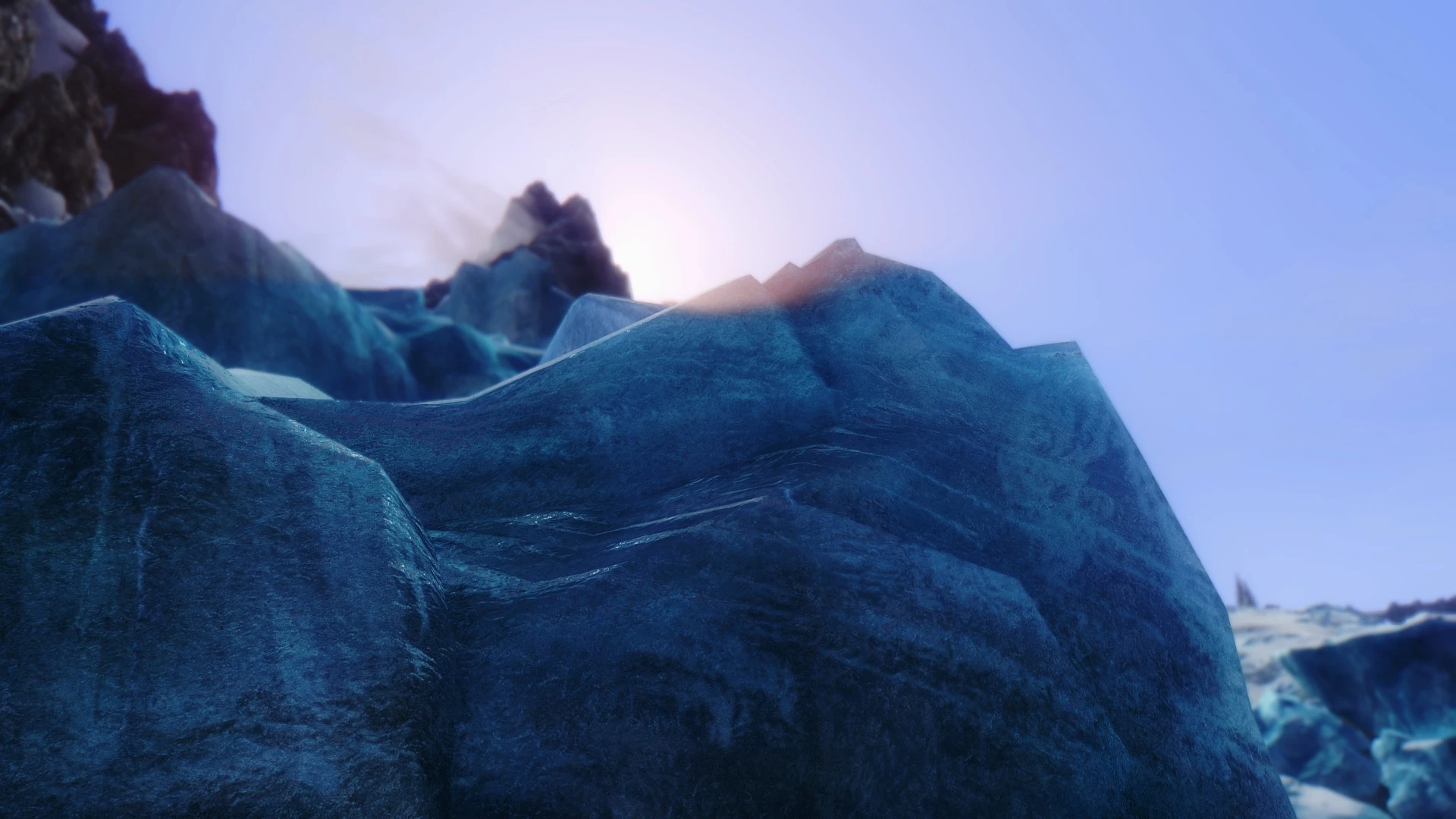
Here we go,one of my night sky mods,as can be seen here .This mod replaces some of the empty black spaces of the vanilla with high quality nebula's.The one in this screenshot and mine is the waterfall version,though there are more.This mod isn't even that performance intense,so many can enjoy this beauty

8:Skyrim Lore Friendly Vanilla Nightsky Retexture 4K
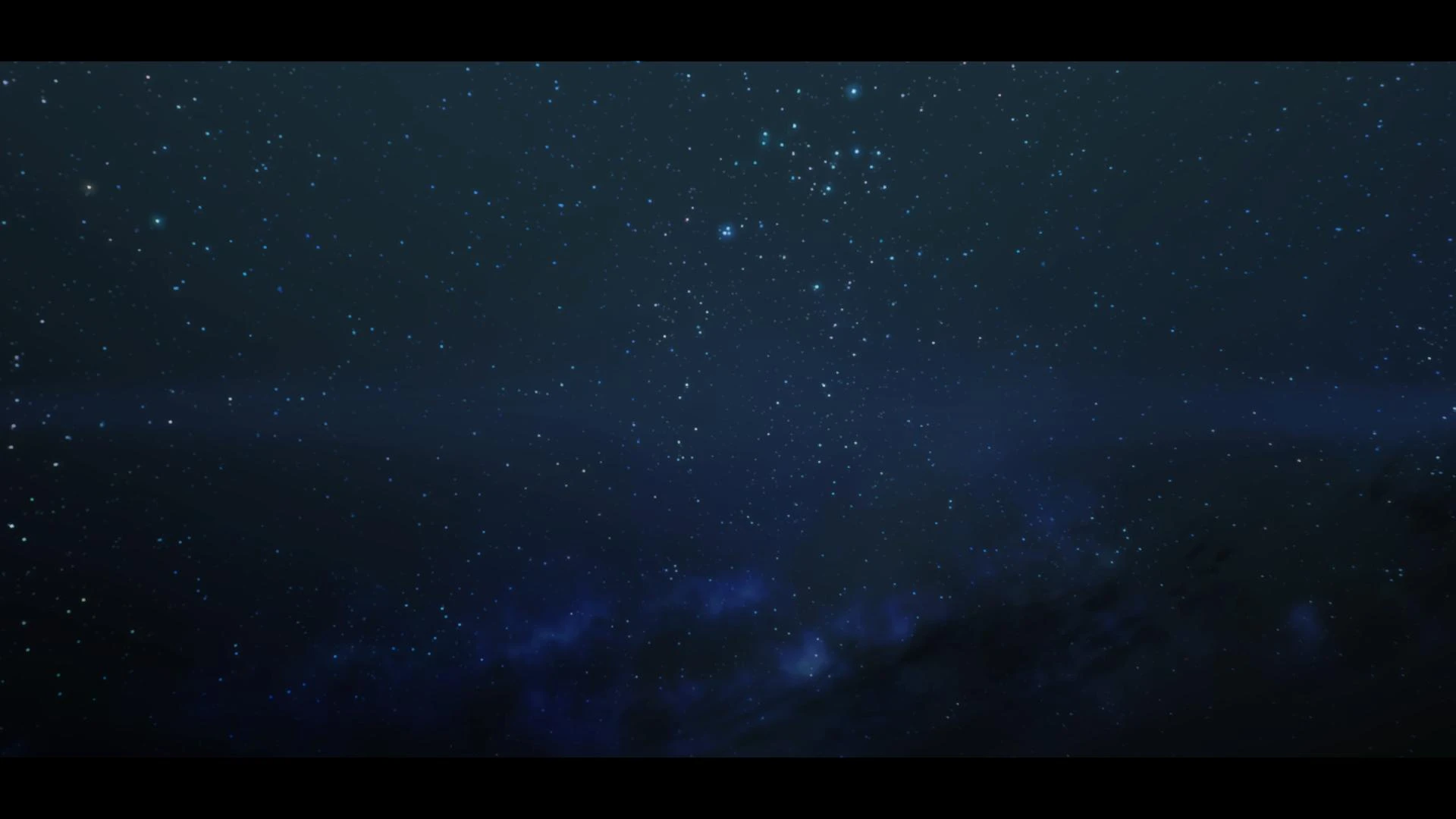
Jeez,what a mouth full.Why not just Nightsky Retexture 4K.Anyway,this replaces the stars and all nightsky stuff with high-quality 4K ones.It does a great job,since the nightsky looks great.The reason why this 'lore-friendly' one was made is to give those who want normal high-quality night-skies without 'strange' or 'colorful' textures what they want.I recommend using this alongside Insude the Nubula for maximum quality

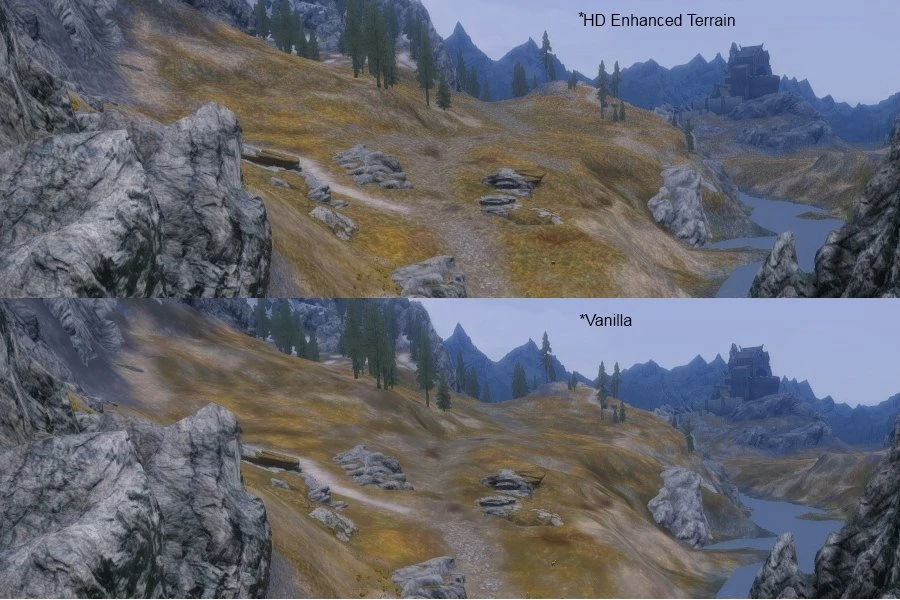
9:HD Enhanced Terrain
Look at that,just look at how much better it looks.Ok,looked long enough?Good,then go download it.No,seriously,go.It's much higher quality,it's a small download and according  to the author it has no performance effect,not even on a 8400 GS.Why wouldn't you download it?

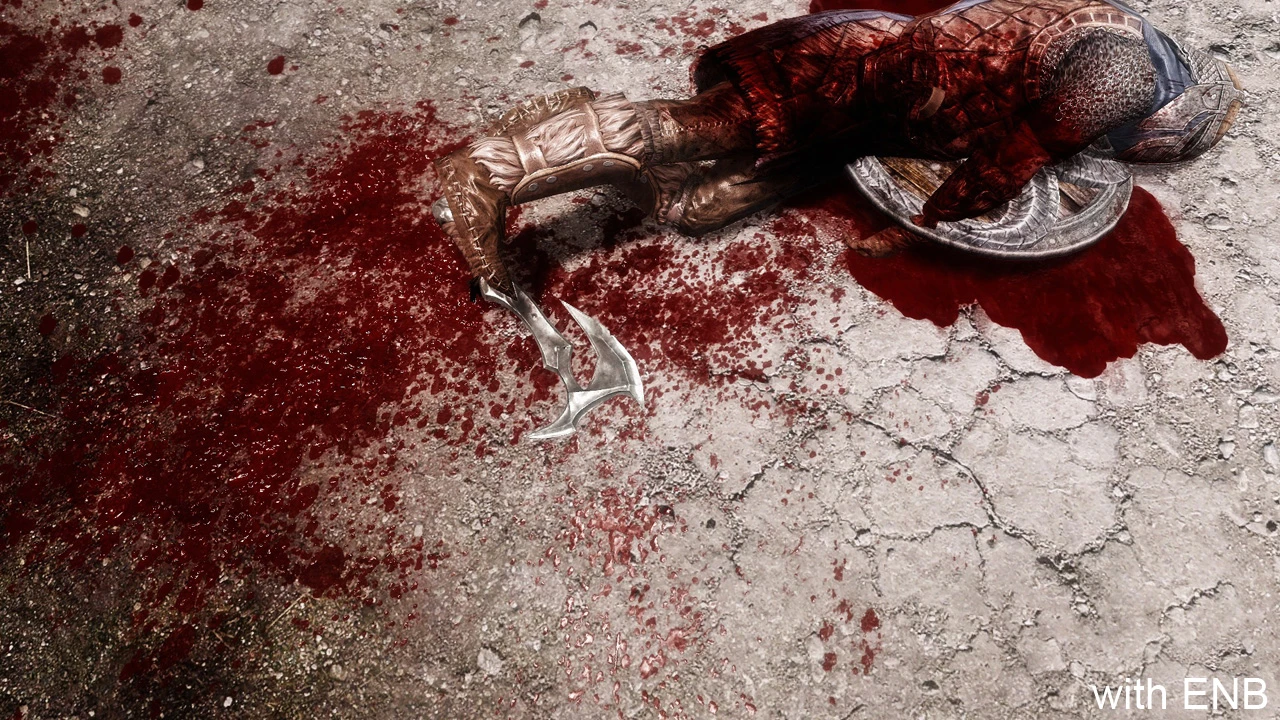
10:Enhanced Blood textures
This one was actually one of the first Skyrim mods,and not only does it add higher quality and detailed blood textures,it also allows you to configure screen blood,spasms,blood on weapons and more.I say you should definitely get this if you don't mind it,because bloody hell does it look better .Hahahahah,puns.Yeah,hahahaha.Don't worry,Ill get off the stage myself

There you go,my top 10 texture mods finally finished.I still have another top 10 mods for The Witcher 3 coming,and I may try and continue my Skyrim for low-end rigs series

Sincerely
WhiteFang
More things I use to enhance Witcher 3 graphics

Again,I have gotten quite a few things that I use to improve my Witcher 3's graphics.Here they are:


HD chainmail for viper armor-Enhances the meshes of the armor to make it look better,by making the chainmail look the same

My sweetfx preset-All info can be found there

Next-gen Novigrad-This makes the meshes of various walls,streets etc in Novigrad higher quality and thus,better looking

Improved Sign Effects-Makes the visual effect of Igni and Aard more intense and good looking

The Beserker-HD ursine set concept retexture-Retextures the Ursine set with high-quality textures to resemble the concept art image

Lore-friendly Witchers-This makes Geralt look more lore friendly by making it more clear that he is a mutant,and giving him true witcher 3 eyes.I really like this since the vanilla Geralt looked far too much like a normal human for me.

This one was done very quickly,because like I said,time isn't on my side, so I didn't describe it in great detail and I may have missed some

Skyrim for low-end rigs:Part 1.Is ultra worth it,getting ultra texture quality and more!

This is a series where I will cover tweaks,settings,info and mods for lower end rigs.If you have a high-end rig you are free to stay,you may learn something

First off,is Ultra really worth it?
Many wish they can max out Skyrim,and some do it,even though it brings them down to 7FPS.I personally feel this is unnecessary since there isn't that much of a difference and by the time I get to part 5 you will be running the game on Ultra anyway.Take a look at this
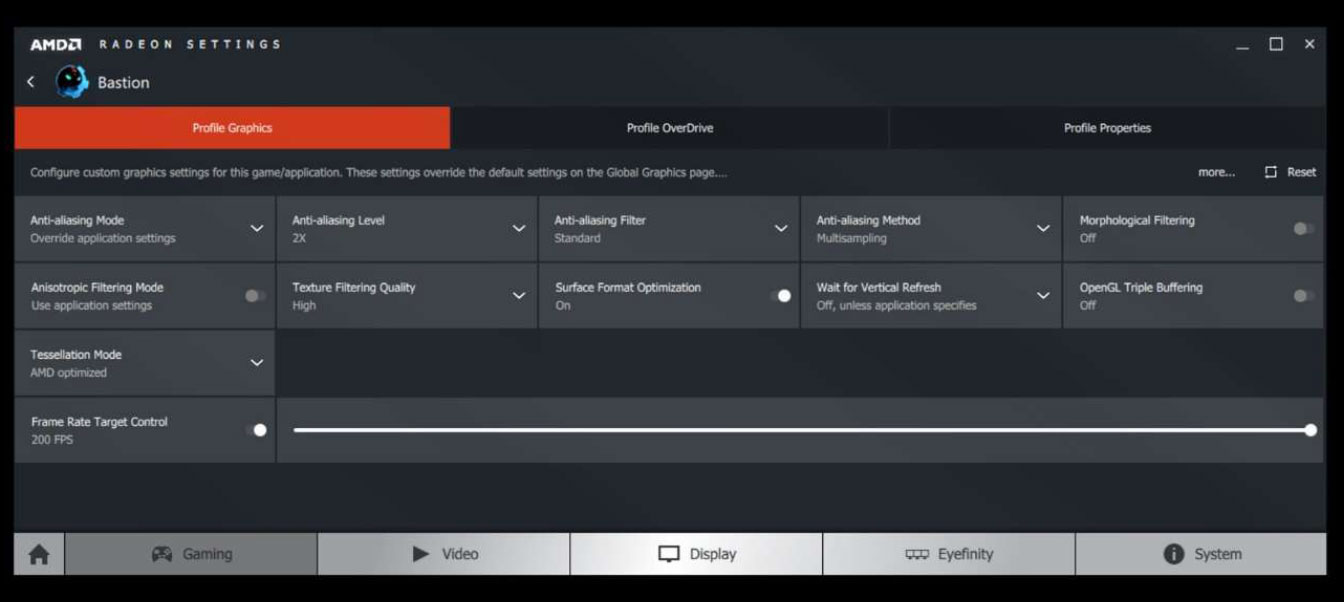
 The biggest difference is the view distance of things.Other than that,there isn't a huge difference.I'm not blind though,I can see there is a difference which bothers me:Texture quality.But that can be fixed!.So,put your game on low and folow these few steps.First off,put your game's anti-aliasing and anisotropic filtering off and force the amount you want through your graphics control panel.You can get it by right clicking on your desktop and selecting it.Once it;s opened look for anything like games or 3D programs.Here is two screenshots,one for AMD and one for Nvidia


Not only is it higher quality,but it's also less-performance intense!That's a win-win if I've ever seen one

Next,go to your SkyrimPrefs.ini in Documents\My Games\Skyrim and add the line iTexMipMapSkip=0 under Display.Save the changes,right click on your SkyrimPrefs.ini and tick the Read-only box

Now we got your textures looking good on Low,now we have to worry about the rest,and improving performance and stability.But,I will cover that in later parts.Thanks for your time :D

Radeon Pro Skyrim performance stability tweaks

I have a way to improve Skyrim's performance using Radeon Pro.
First off,not sure if Radeon Pro works with none-AMD GPUs.Secondly,improving performance doesn't always mean higher fps.There is a lot more to it than that,These tweaks will mainly reduce micro-stutter and minor freezes.Thirdly,I can't guarantee that these will work for you,it worked fine for me though
Ok,let's start.

If you don't have Radeon Pro yet,get it here

After you installed it,open it up and click Add new profile in the toolbar at the top.It's the white page with a green + sign on the top corner..A window should open.In this window,go to your Skyrim folder and select TESV.exe.It should now be in your list of profiles on the left.Select it and go to the bottom of the Visual tab

You should now see a option 'Vertical sync control'.Tick the box and take the slider to Always on.
Next go to your Advanced tab and tick the Flip Queue Size box.Then move the slider to 1
After you are done with that,go to the Tweaks tab and set VSync control to Always on.Then,tick the triple-buffering box and enter your Display Refresh rate.After that,tick the Lock frame rate up to monitor's refresh rate box and go down to Misc Tweaks.When you are there,tick the Disable Aero box and you're done!

Let me know if this worked for you or not.I would also appreciate it if someone could tell me if Radeon Pro works with none-AMD GPUs.Thanks!